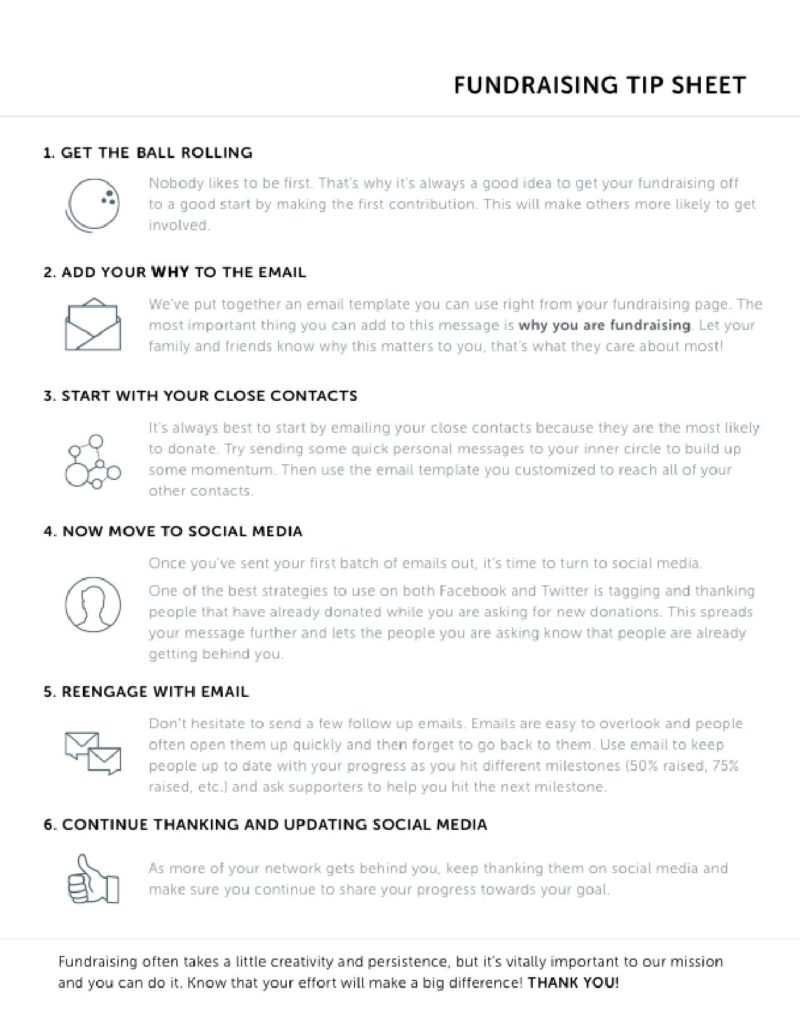
The C.A.S.T. for Kids Foundation has software for online giving. Our software, Network for Good, allows C.A.S.T. to take general donations via credit card. In addition, we create a personalized online fundraising page for your event.
Get the most of the online fundraiser C.A.S.T. has set up for your event!
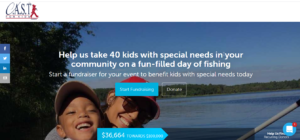
Share your event-specific link with donors and sponsors to ensure your donations are credited to your event.
How to Successfully Share Your Fundraising Page
- Click on Donate to this Event from your event webpage
- Copy your fundraising page (campaign) webpage address (URL) and send it to friends via text or email. Send a personalized email with your page link to your contacts.
- To share on Social Media, look on the left side of the screen once you are on fundraising page, you can click on the Facebook, Twitter, LinkedIn or Email Icon and share. Post on Facebook and Twitter. Tag and thank people.
- Send a follow-up email
Online Donations for Your Event
- If someone wants to donate to your event via credit card, you can give them our link: https://castforkids.networkforgood.com/projects/56352-c-a-s-t-for-kids-donations.

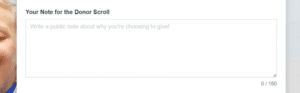
- On our general donation page, there is a text box labeled “What Inspired you to Give” where the donor can note your event in this box. The donation will be designated on your event spreadsheet within a week’s time.
- To assist you with fundraising, we’ve also placed a white button on your event web page that reads “Donate to This Event.” When someone clicks on this button, they will be taken directly to a fundraising page set up for your event. Using this button guarantees funds to your spreadsheet hassle-free!
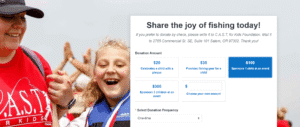
While fundraising, don’t be discouraged if you get some “nos.” This is common in fundraising. Keep at it and don’t let disappointment get you down. You will find the right sponsors who will happily fund your event and even stick with you, year after year.
For more details about the above suggestions, DOWNLOAD: Fundraising Tip Sheet